
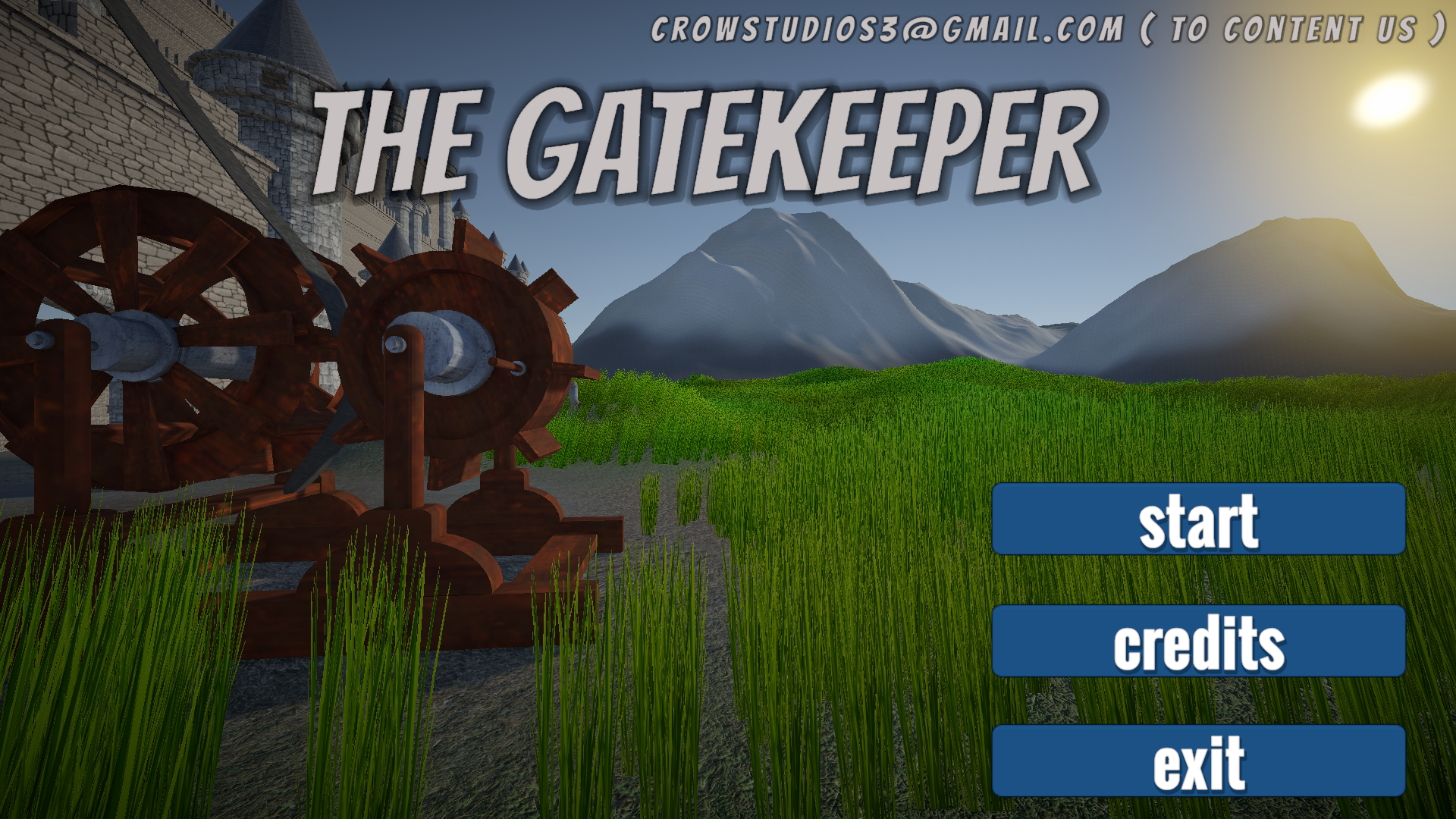
THE GATEKEEPER
A downloadable game for Windows
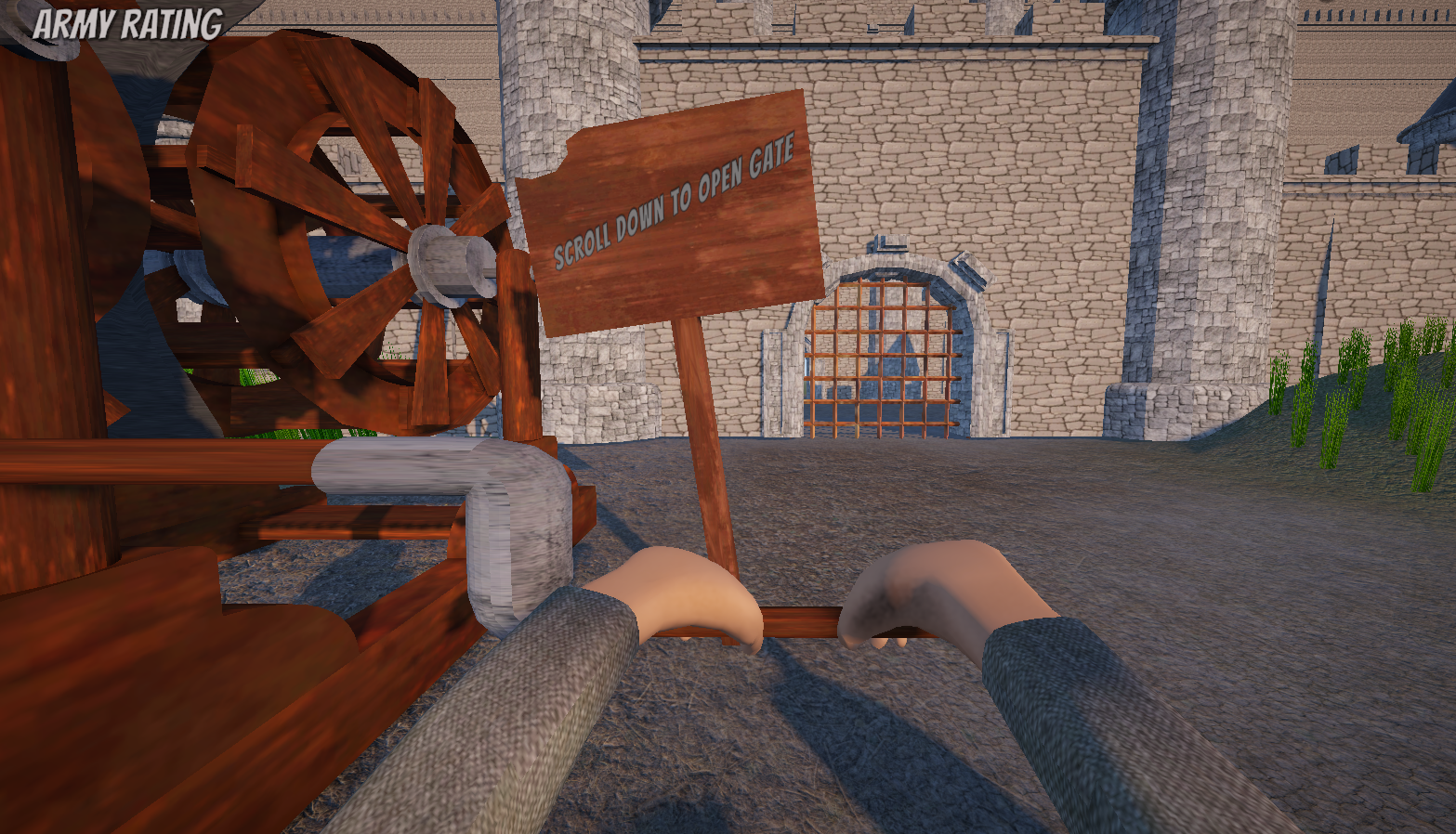
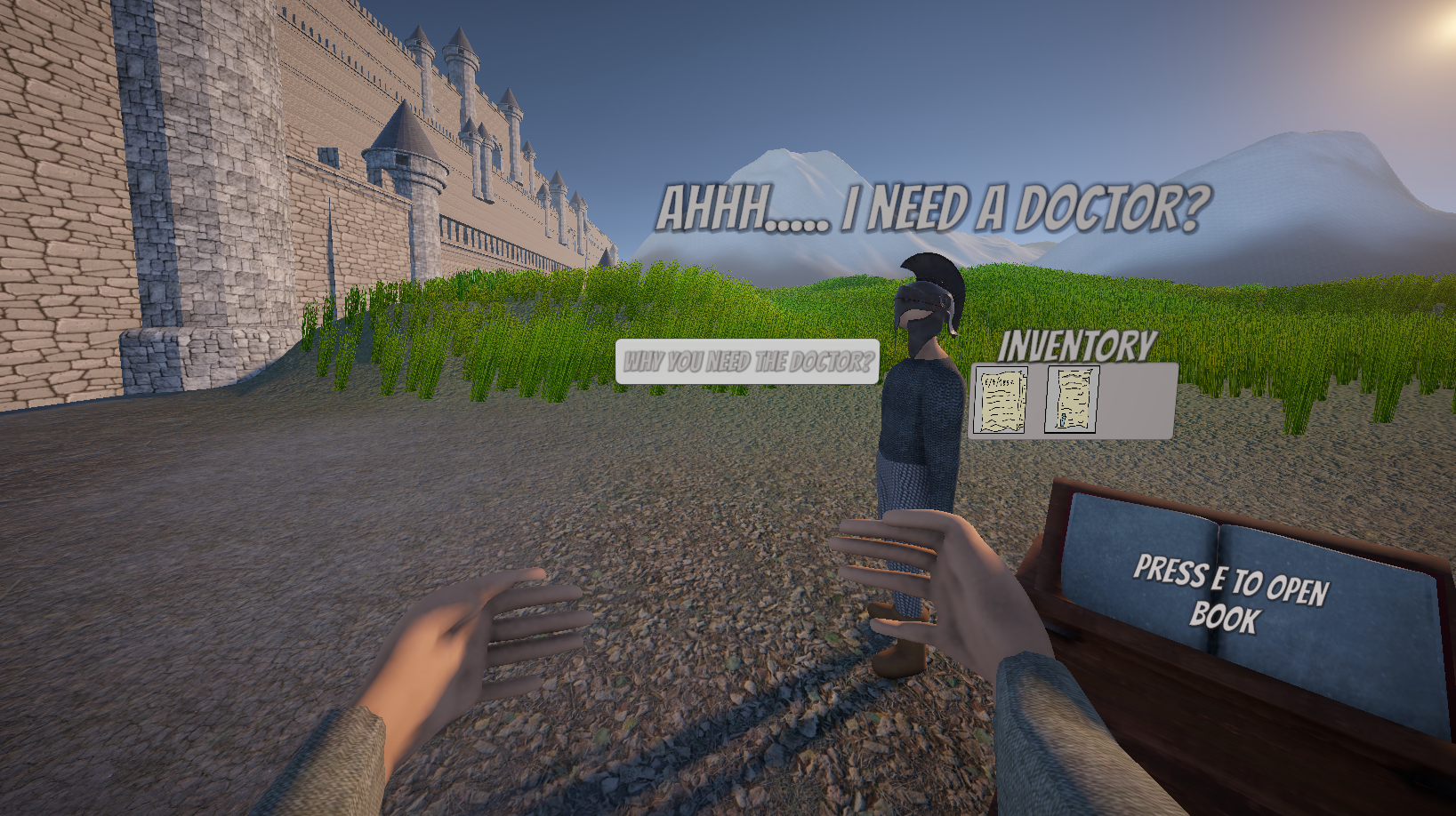
Step into the role of the Gatekeeper of an ancient castle, where every decision matters. Travelers arrive at your gates seeking entry, but not everyone can be trusted. Each person carries a story, clues, and hidden intentions. It is your job to inspect, judge, and decide who is worthy to enter the kingdom. Make the right choices to protect the castle and prove your loyalty. But be careful — one mistake could cost you everything. Do you have what it takes to judge truth from deception?
Download
Install instructions
Installation Instructions (Windows)
- Download the ZIP file to your computer.
- Once the download is complete, locate the ZIP file (usually in your Downloads folder).
- Right-click the ZIP file and select Extract All...
- Choose the folder where you want to extract the files, then click Extract.
- Open the newly extracted folder.
- Find the file with the
.exeextension (this is the game/application). - Double-click the
.exefile to launch the game. - If Windows displays a security warning, click More info, then select Run anyway (only if you downloaded the game from a source you trust).
If the game doesn't start:
- Make sure you extracted the ZIP file before running the
.exe. - Do not run the
.exedirectly from inside the ZIP archive. - If your antivirus blocks the file, restore it or add an exception only if you trust the source.
Leave a comment
Log in with itch.io to leave a comment.